Enumeration on Windows
Windows PrivEsc starts the same way Linux does: with thorough enumeration. The attack surface is different: services, registry keys, scheduled tasks, token privileges, and local group memberships are what you're inspecting. Automated tools can speed this up, but running them raw on a real engagement often triggers endpoint detection. I prefer to understand each check and run targeted commands.
whoami /priv                  # token privileges
whoami /groups                # group memberships
net user %username%           # current user details
net localgroup administrators # local admins
systeminfo                    # OS, patches, architecture
tasklist /svc                 # services and their processes
sc qc [service_name]         # service config
wmic service get name,displayname,pathname,startmode # all services
findstr /SIM /C:"password" *.txt *.ini *.cfg *.xml 2>nul
Token Impersonation
Token impersonation is one of the most reliable Windows PrivEsc techniques. When a service or application holds SeImpersonatePrivilege, it can impersonate any token it can obtain a handle to. Service accounts running web servers and databases often have this privilege by design.
The classic exploitation technique coerces a SYSTEM-level process to authenticate to a local named pipe that you control, captures the authentication token, and uses it to impersonate SYSTEM. Various tools implement this across different Windows versions, targeting different coercion points depending on what's available and patched.
Check First
Run whoami /priv immediately when you get a Windows shell. If SeImpersonatePrivilege or SeAssignPrimaryTokenPrivilege is listed as Enabled, token impersonation is likely your path to SYSTEM.
Unquoted Service Paths
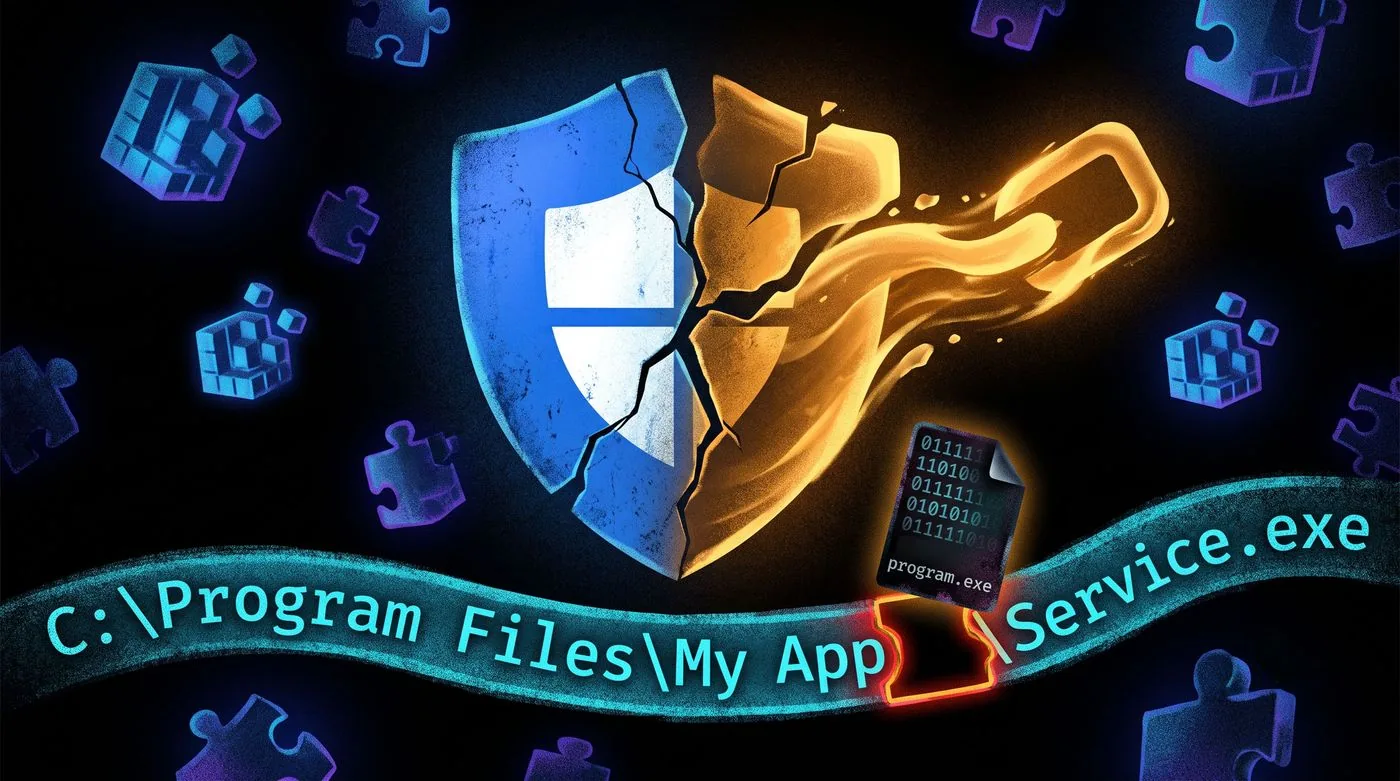
When a Windows service has a path with spaces that isn't wrapped in quotes, the Service Control Manager tries multiple interpretations when starting it. For C:\Program Files\Custom App\service.exe, Windows might first try to run C:\Program.exe, then C:\Program Files\Custom.exe, then the actual binary. If you can write to any of those intermediate paths, you place your payload there and wait for the service to restart.
wmic service get name,displayname,pathname,startmode | findstr /i "auto" | findstr /i /v "c:\windows\\" | findstr /i /v """
DLL Hijacking
Windows applications load DLLs at runtime. If an application looks for a DLL in a directory you can write to before it finds the legitimate DLL, you can plant a malicious one. The legitimate DLL might not exist at all. Applications sometimes call DLLs that are optional, and if the search path includes a writable directory first, your file wins.
The DLL search order on Windows checks the application directory first, then the current directory, then system directories. If the app directory is writable and the application loads DLLs without specifying full paths, you can drop a DLL there that the process will load with its elevated privileges.
Registry PrivEsc
Check if AlwaysInstallElevated is set in both HKCU and HKLM registry hives. When both are set to 1, any user can install MSI packages with SYSTEM privileges. A malicious MSI runs your payload as SYSTEM regardless of your current privilege level.