File Permissions
Linux permissions control who can read, write, and execute files and directories. Every file has an owner (a user) and a group. Permissions are set for three categories: owner, group, and others. The output of ls -la shows these as a permission string: -rwxr-xr--. The first character is the file type. The next nine are three sets of rwx (read/write/execute) for owner, group, and others.
Special permission bits change this. SUID (Set User ID) on an executable means it runs as the file's owner, not as the user who executed it. If a SUID binary is owned by root, it runs as root regardless of who executes it. This is why SUID binaries are a primary privesc vector: a misconfigured or vulnerable SUID root binary is a root escalation waiting to happen.
ls -la /path/to/file
stat /path/to/file
find / -perm -u=s -type f 2>/dev/null    # find all SUID files
find / -perm -g=s -type f 2>/dev/null    # find all SGID files
chmod 755 file                           # rwxr-xr-x
chmod u+s /usr/bin/python3               # set SUID (dangerous example)
Users, Groups, and the /etc/shadow
Every Linux process runs as a user. Users are identified by a numeric UID. Root is UID 0. System accounts are typically UIDs 1-999. Regular users start at 1000. User information lives in /etc/passwd (world-readable, no passwords) and /etc/shadow (readable only by root, contains hashed passwords). Dumping /etc/shadow is a priority on any compromised Linux machine.
Group membership matters because it grants access to resources. Being in the docker group is equivalent to having sudo in most configurations: you can mount the root filesystem into a container. The disk group gives you raw device access. Always check group memberships during privilege escalation.
Processes and Environment
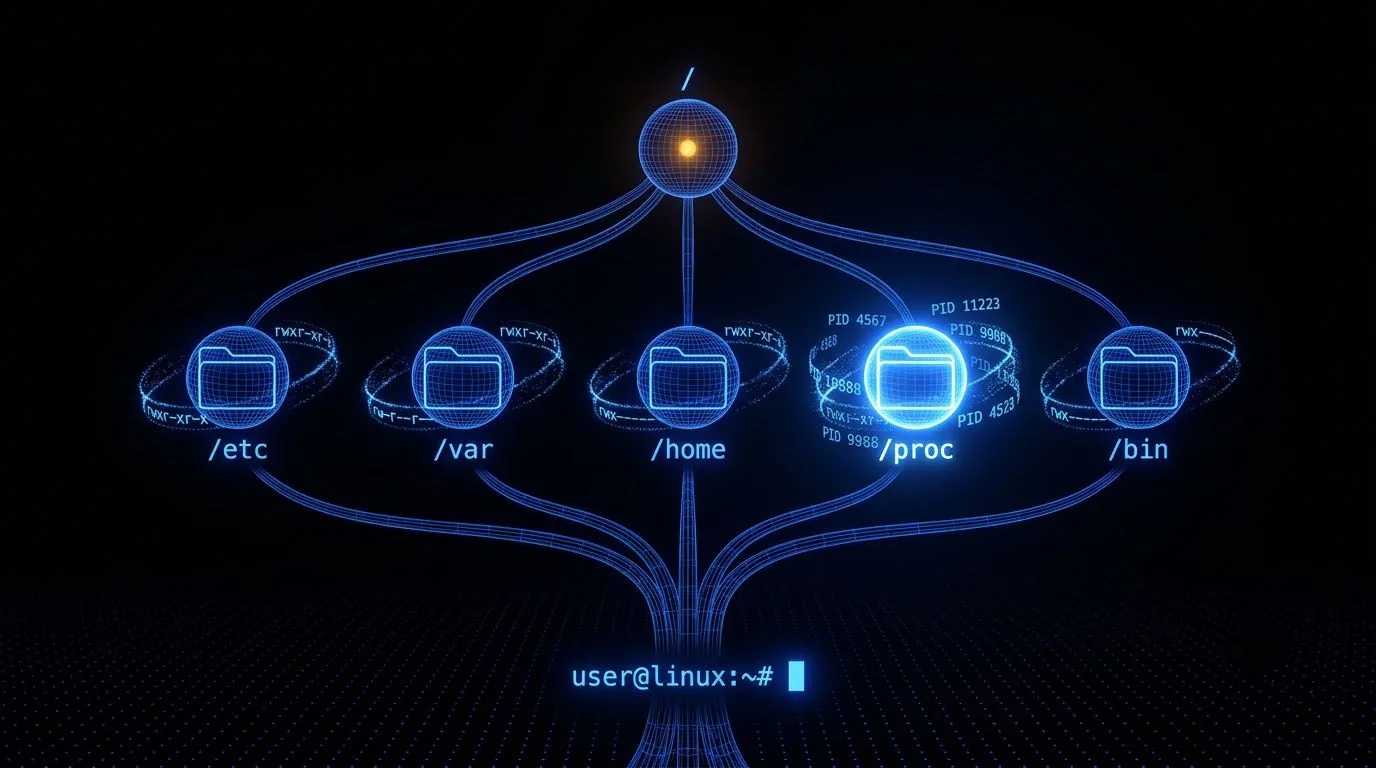
Processes are instances of running programs. Every process has a PID (Process ID), a parent PID, an owner (the user it runs as), and a set of environment variables. The /proc filesystem exposes running process information: /proc/PID/cmdline contains the command that started the process, /proc/PID/environ contains its environment variables (sometimes including credentials).
ps aux
ps -ef --forest
cat /proc/1234/environ | tr '\0' '\n'
ls -la /proc/1234/fd/
cat /proc/1234/cmdline | tr '\0' ' '